
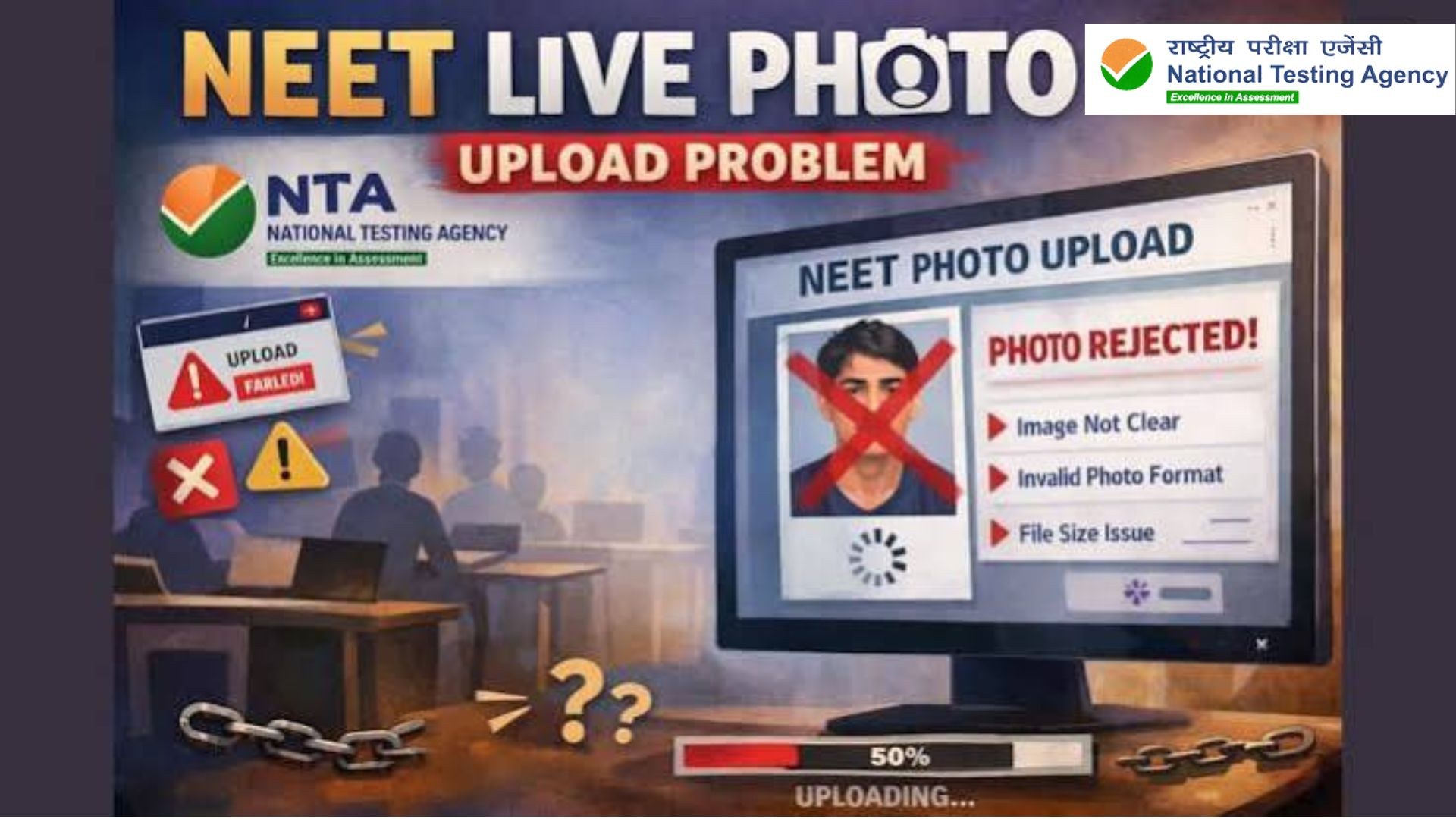
Candidates filling out the UGC NET December 2026 application form may face difficulties while capturing their live photograph. Proper lighting, a clear background and a few browser troubleshooting steps may help resolve the issue.

The National Testing Agency (NTA) provides the official UGC NET application portal for candidates completing their registration. Applicants experiencing problems with live photo capture can try the following steps before attempting the process again.
Tips to Fix UGC NET Live Photo Capture Problems
1. Ensure proper lighting
Make sure your face is clearly visible and evenly lit. Avoid dim lighting and strong shadows that may interfere with the camera.
2. Keep the background clear
Choose a well-lit, uncluttered background so your face remains clearly visible during capture.
3. Ensure only one face is visible
Check that no other person appears in the camera frame. Position yourself properly before capturing the photograph.
4. Clear your browser cache
If the problem continues, clear your browser's cache and reopen the application form. You can also try a different browser or open the website in incognito mode.
5. Try capturing the photograph again
After making these changes, reopen your application form and attempt to capture the live photograph again. Follow the instructions displayed on the official portal.
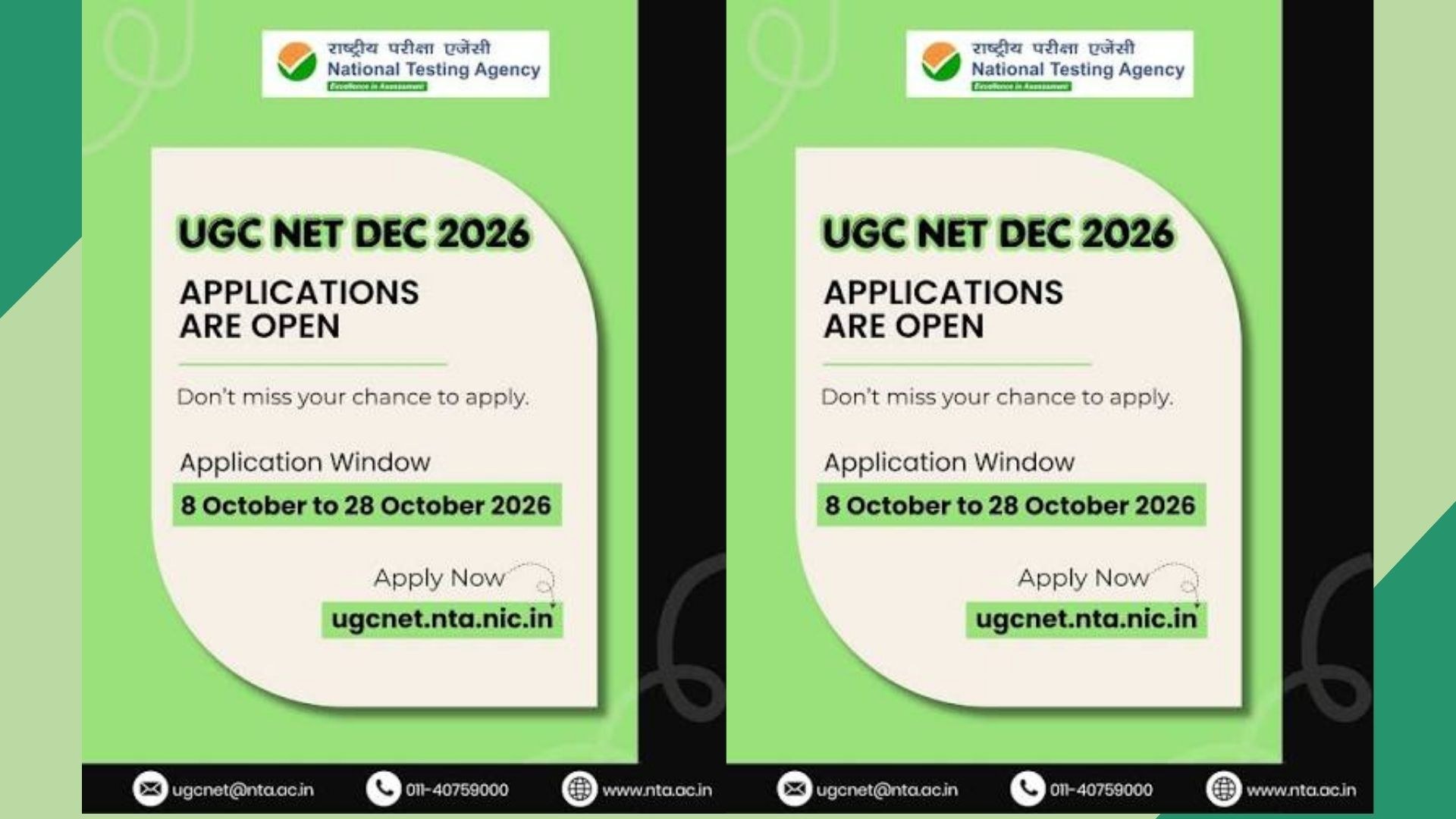
Candidates can visit the official UGC NET website to access the application portal and check for relevant updates.
Official website: https://ugcnet.nta.nic.in/
Applicants should ensure that their live photograph is captured successfully and that they complete the application process according to the instructions provided by NTA.


0 comments
No comments yet. Yours would be the first.